
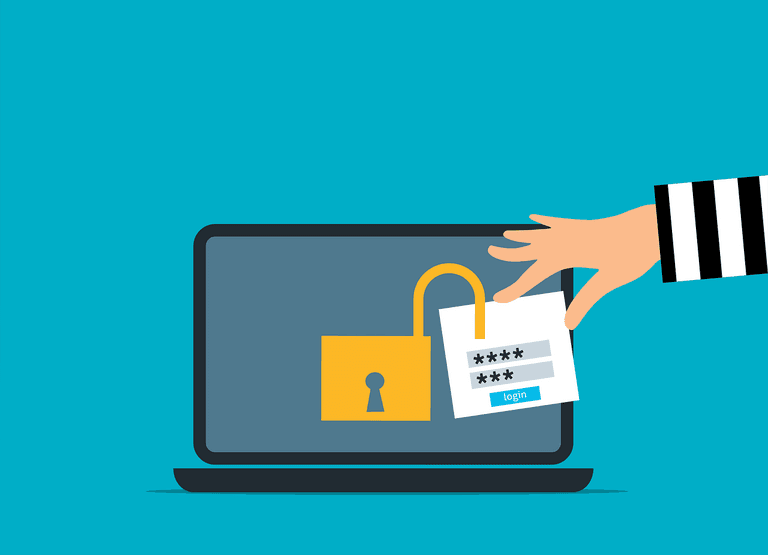
Why Your Practice Should Be Using a Password Manager
Credential stuffing attacks work because most people reuse passwords. A breach on an unrelated site exposes a staff member's login details, an attacker tries those same details on your client portal, and it works. You now have a potential breach, a locked account, and half a morning of IT triage - all because of a password that felt secure enough at the time.
This is not a rare situation. Most security incidents at professional services businesses do not involve sophisticated hacking. They start with a weak or reused password. People reuse passwords because remembering dozens of different ones is genuinely difficult. So they pick something familiar and use it everywhere - which means one compromised account can cascade into several.
A password manager solves this without asking your staff to remember anything extra. The software generates a long, unique password for every system your team uses, stores it securely, and fills it in automatically when needed. Staff log in with one master password - just that one - and the manager handles everything else. The passwords it creates for each site are essentially unguessable and never repeated across accounts. If one site gets breached, the others stay protected.
Good business-grade password managers also let you share credentials safely between team members without anyone actually seeing the password itself. When someone leaves, you revoke their access in the manager rather than scrambling to change passwords across a dozen platforms. Most will also alert you if a site your team uses has been involved in a known data breach, so you can act before anything goes wrong.
For practices handling client data - whether that is medical records, legal files, or financial information - this matters beyond just convenience. The NZ Privacy Act 2020 requires you to take reasonable steps to protect personal information. Weak or shared passwords are hard to defend as reasonable. A password manager is a straightforward, auditable way to demonstrate that your team is not using "Summer2023" to protect sensitive client files. To understand the broader controls that sit alongside good password hygiene, most breaches are entirely preventable with the right steps in place.
The practical step here is not to ask your staff to research and install something themselves. Password managers need to be set up consistently across your whole team, integrated with your existing systems, and configured correctly from the start. A half-deployed password manager - where some people use it and some do not - provides much less protection than you think. Many practices are surprised to learn how many ways hackers get into business accounts beyond simple password guessing.
ITstuffed can review your current password and access setup, along with your wider cybersecurity posture for your practice, as part of your managed IT support. If you want to know where your practice stands before making any changes, a 15-minute IT Fit Check at itstuffed.co.nz/booking is a good place to start.