
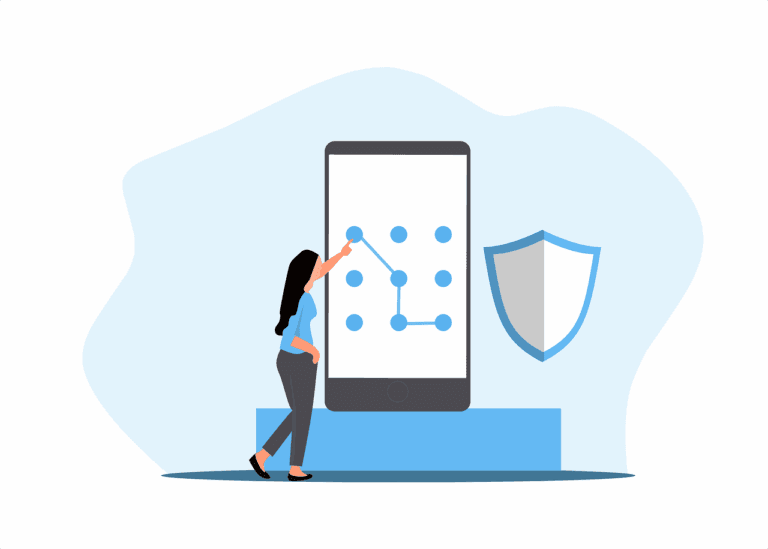
Passwords, MFA, and Why Most Breaches Are Entirely Preventable
Most business breaches do not start with sophisticated hacking. They start with a password that was too simple, used in too many places, or never changed after someone left the team. Weak passwords and missing multi-factor authentication are the entry points attackers rely on - because they work, and most businesses have not closed them.
The problem is not that people do not care about security. It is that password habits from ten years ago are still in use today. Simple passwords, the same password across multiple accounts, no second layer of verification. Attackers know this. Tools that test thousands of common password combinations run automatically, around the clock. If your team is reusing passwords - and statistically, most people are - one compromised account can become a doorway into several others. For a business holding client records, financial data, or confidential correspondence, that is a serious exposure.
There is also the credential stuffing problem. When a large website suffers a data breach, the stolen usernames and passwords get sold and tested against other services. If someone on your team uses the same password for their work email as they do for a streaming service that was breached two years ago, your business email may already be compromised. They would have no idea. Understanding the ways hackers get into business accounts can help your team recognise risks they would not otherwise consider.
Good credential security does not have to be complicated, but it does need to be consistent. Strong passwords - long, random, not based on anything guessable - managed through a password manager so nobody has to remember them. Multi-factor authentication enabled on every account that matters, which means email, cloud storage, accounting software, and practice management systems at a minimum. With MFA in place, even a stolen password is not enough to get in. An attacker also needs the second factor, which only your staff member has.
What this looks like day-to-day is straightforward. Staff log in normally. If something looks unusual - a login from an unexpected location, for example - they get a prompt asking them to verify. It adds a few seconds and removes a significant category of risk. For businesses in healthcare or legal services, where the Privacy Act 2020 requires reasonable steps to protect personal information, this is not optional. It is the kind of basic control that regulators and insurers expect to see in place. If you want to understand what a reportable breach looks like under NZ law, the Office of the Privacy Commissioner at privacy.org.nz has clear guidance.
Phishing is the other half of this. Strong passwords do not help if someone hands theirs over directly. Phishing emails are convincing now - they mimic suppliers, banks, and internal IT notices. Staff need enough awareness to pause before clicking a login link in an email. That is a training matter most NZ businesses overlook, not a technology matter, and it is something any reasonable managed IT support arrangement should include.
If you are not sure whether your current setup - password policies, MFA configuration, staff awareness - is actually doing its job, that is worth finding out before something goes wrong. CERT NZ at cert.govt.nz is a useful starting point for understanding what good looks like, and for reporting incidents if they occur. Our cybersecurity services for professional services businesses are designed to put these controls in place without disrupting your team.
ITstuffed works with professional services businesses across Canterbury to get the basics right - password management, MFA, and the monitoring that tells you when something needs attention. A 15-minute IT Fit Check is a good place to start if you want to know where your business stands.