
QR Code Scams Are Getting More Convincing. Here's What to Watch For.
You're at a networking event in Christchurch and there's a QR code on the table card. You scan it expecting the speaker's contact details or a link to the event programme. Instead, you've just handed your phone to a phishing site designed to look exactly like a legitimate page. You wouldn't know until it was too late.
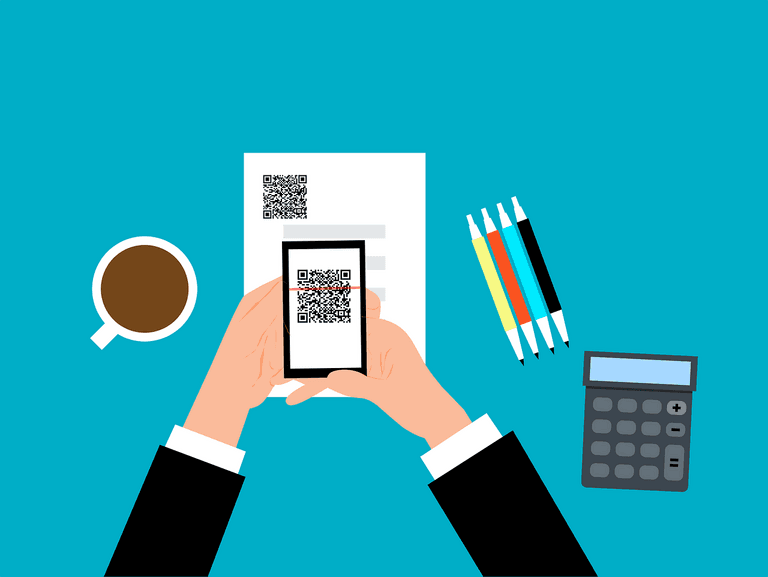
QR codes became genuinely useful during the pandemic and they've stuck around. The problem is that criminals have worked out how to exploit them. The attack is simple: print a fake QR code and stick it over a real one. Anyone who scans it gets sent somewhere they didn't expect. That destination might be a convincing fake login page, a prompt to download an app, or a payment page charging for something that should be free. The code itself looks identical to a legitimate one. There's no visual tell.
What makes this more than a nuisance is where it can end up. A staff member scans a code at a conference or on a flyer left in a waiting room. They're prompted to log in to what looks like your practice management system or a Microsoft 365 page. They enter their credentials. Now someone else has them. In a legal or healthcare practice, that kind of access can expose client records, breach obligations under the NZ Privacy Act 2020, and trigger a mandatory report to the Office of the Privacy Commissioner. A QR code on a table is a surprisingly low-effort entry point for a serious incident.
The good news is that sensible habits make a real difference here. A URL should always be checked before tapping through - if a QR code sends you to a login page or asks for payment details, pause. If the URL looks slightly off, has extra characters, or doesn't match the organisation it claims to represent, don't proceed. Physical QR codes in public places deserve extra scrutiny - look for stickers placed over the original code, or codes that appear slightly raised or misaligned. Any code that asks for credentials, card details, or personal information should be treated with suspicion regardless of context. Understanding how hackers get into business accounts can help your team recognise these moments before they become incidents.
For businesses, the more reliable protection is technical. Phishing-resistant multi-factor authentication means that even if a staff member's credentials are captured through a fake page, the attacker still can't get in. Keeping devices and apps updated closes known gaps that malicious sites and downloads try to exploit. And a layered approach to cybersecurity means your practice isn't relying on one person making the right call every single time.
If you want to know where your practice stands on this kind of threat, ITstuffed offers a 15-minute IT Fit Check at /booking - no preparation needed on your end.