
Ten Steps That Reduce Your Risk of a Data Breach
A patient calls asking why they received a strange email from your clinic. You have not sent anything. Someone accessed your systems overnight, lifted contact details, and used them. You are now looking at a privacy breach under the NZ Privacy Act 2020, a notification obligation, and a conversation with affected patients that nobody wants to have. Most breaches are preventable. These ten steps are where to start.
This is not a hypothetical. Small healthcare and legal practices are targeted regularly because attackers assume their defences are lighter than larger organisations. That assumption is often correct. The damage is not just financial. It is reputational, and in a regional city like Christchurch, reputation travels fast.
The good news is that most breaches are preventable. Not through expensive technology, but through consistent habits and a managed approach to security. The ten areas below cover the most common gaps - the ones that actually get exploited in practices like yours.
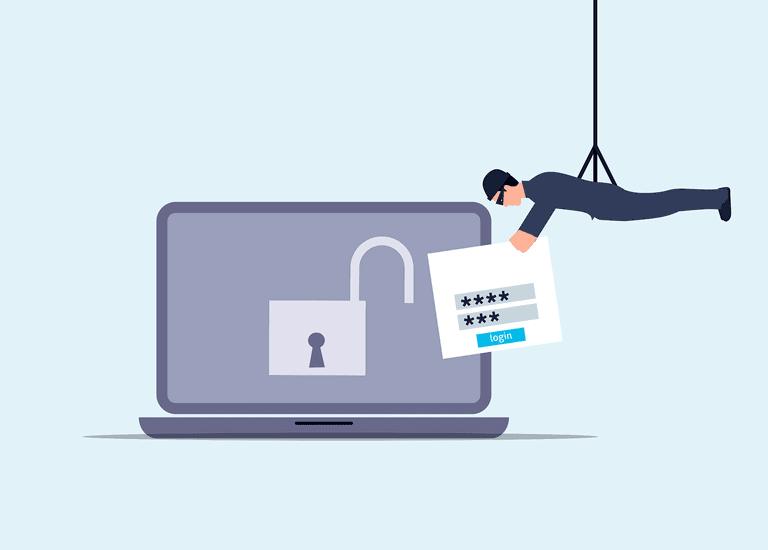
Passwords matter more than most people think. Weak or reused passwords are one of the leading causes of unauthorised access. Every account that holds patient or client data should use a unique, complex password and multi-factor authentication - the second confirmation step sent to a phone or app. A password manager handles the complexity so your team does not have to. If you want to understand why most breaches are entirely preventable, the connection between poor password habits and successful attacks becomes very clear.
Software updates close the doors that attackers walk through. When a program prompts you to update, that update usually contains a security fix for a known vulnerability. Delaying updates leaves those doors open. Automatic updates, managed centrally, remove this from your team's to-do list entirely.
Your team is both your greatest risk and your strongest defence. Most breaches start with a staff member clicking a convincing fake email. Regular, practical training - not a once-a-year slideshow - builds the habit of pausing before clicking. Security awareness training is the cyber defence most NZ businesses overlook, and healthcare practices are no exception. This is covered in more depth in ITstuffed's cybersecurity guidance for NZ businesses.
Access to sensitive data should be limited to the people who genuinely need it for their role. If your receptionist does not need access to clinical notes, they should not have it. If a staff member leaves, their access should be removed that day. Encryption should protect any sensitive data that is stored or transmitted - this means that even if someone intercepts it, they cannot read it.
Backups are your recovery plan. If data is encrypted by ransomware or simply deleted, a recent, tested backup is the difference between a bad day and a catastrophic one. Those backups need to be stored separately from your main systems, and they need to be tested regularly - not just assumed to be working. Understanding the difference between malware and ransomware is something every practice manager should be across before an incident occurs.
Your network needs a firewall - a filter that blocks unauthorised traffic before it reaches your systems. Your Wi-Fi, especially any guest network, should be secured with a strong password and separated from the systems holding client or patient data. Default router passwords should be changed immediately on any new equipment.
Finally, you need a plan for when something goes wrong. The NZ Privacy Act 2020 requires you to notify the Office of the Privacy Commissioner and affected individuals when a privacy breach causes serious harm. You should also report incidents to CERT NZ. Knowing your obligations before a breach happens means you can respond quickly and correctly, rather than scrambling.
None of this needs to sit on your desk. A managed IT support arrangement handles the monitoring, patching, access management, and backup testing as part of an ongoing service - so you are not relying on memory or goodwill to keep things secure. ITstuffed works with professional services businesses across Canterbury to put these controls in place and keep them running.
If you are not sure where your practice currently stands, ITstuffed offers a 15-minute IT Fit Check at itstuffed.co.nz/booking. It is a practical starting point, not a sales call.