
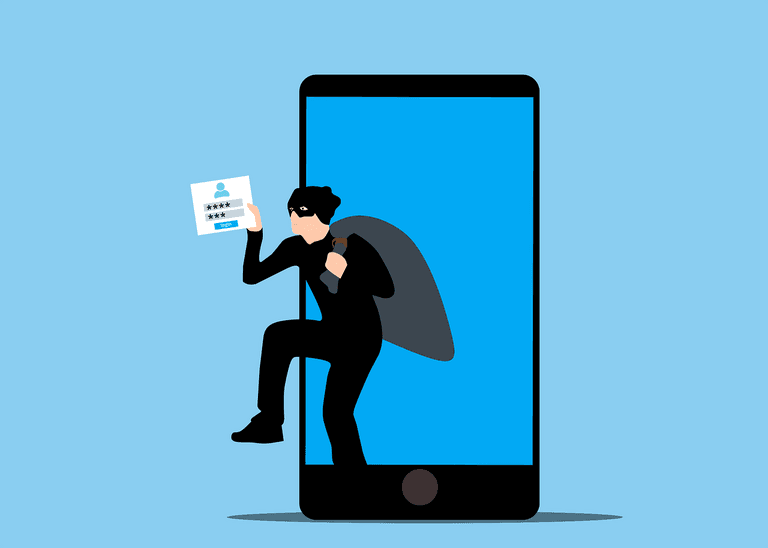
Mobile Malware Traps That Catch Busy Professionals Off Guard
Your phone holds more about your business than you probably realise. Client emails, file attachments, billing apps, two-factor authentication codes, even your practice management software. It goes everywhere with you, which means if something gets in, it has access to a lot. Most people running a professional services business have put some thought into their computer security. Their phone is another story.
Mobile malware works the same way as the kind that targets laptops - it gets onto your device, then quietly does damage. It might harvest login credentials, intercept messages, or give someone remote access to what you are doing. The traps are designed to look routine. A text from what looks like your bank. An app that mimics one you already use. A link in an email that appears to be from a courier company. You tap it without thinking, because you are between appointments and your phone is how you get things done. If you want a broader picture of the types of malware catching businesses off guard, it is worth understanding how these threats overlap across devices.
The risk is not just personal. If your phone is also used for work - and most are - a compromise on your device can be a doorway into your business. Client data, correspondence, financial records. Under the NZ Privacy Act 2020, a breach involving client information needs to be reported to the Office of the Privacy Commissioner if it is likely to cause serious harm. That is a conversation no practice manager wants to have. Understanding what mobile app security means for your business is a practical first step toward reducing that risk.
The good news is that this does not require much technical knowledge to get right. The basics go a long way. Only install apps from official app stores. Keep your phone's software updated - those updates exist because security gaps have been found and fixed. Use a strong screen lock. Be cautious on public Wi-Fi, especially if you are accessing anything work-related - a VPN can help here. Review what permissions your apps are asking for, because a lot of apps ask for access they do not need. And back your phone up regularly so that if something does go wrong, you are not starting from zero.
The harder part is making sure this extends across your whole team. If five people in your practice all have their phones connected to your work systems, that is five potential entry points. A mobile device policy does not need to be complicated, but it should exist. Someone should be checking that work-connected devices meet a basic security standard - not just once, but as an ongoing part of how you manage your IT. Security awareness training is a cyber defence that many NZ businesses are still underusing, and it applies just as much to mobile habits as anything else.
If mobile security across your team is something that has slipped down the list, ITstuffed works with professional services businesses around Canterbury on exactly this kind of thing through managed IT support. It is easier to get ahead of it than to deal with the fallout. If you want a quick sense of where things stand, book a free 15-minute IT Fit Check with ITstuffed at itstuffed.co.nz/booking.