
How to Deploy Smart Devices on Your Business Network Without Creating a Security Mess
A building manager installs a smart thermostat to cut energy costs. The practice administrator adds a connected security camera at the front desk. Someone plugs in a wireless sensor to monitor the server room temperature. Each decision makes sense on its own. But by mid-morning on any given day, there are half a dozen internet-connected devices on the network that nobody in IT ever properly reviewed - and that is where things start to go wrong.
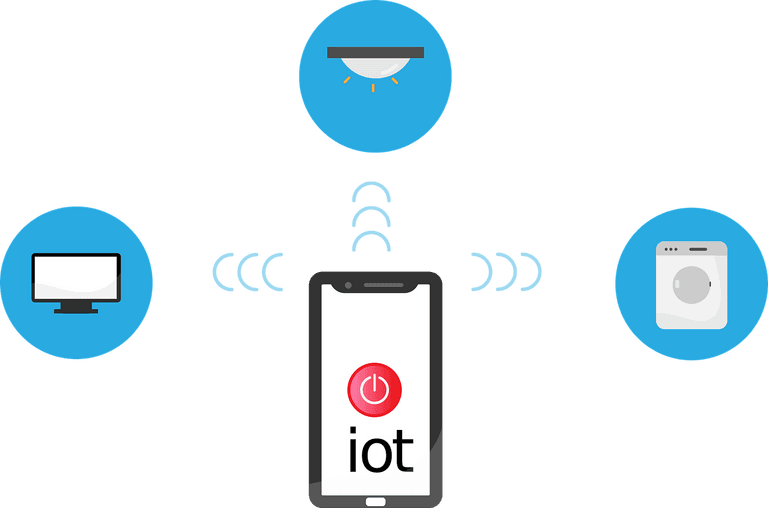
Smart devices - often called IoT, or Internet of Things devices - include anything that connects to the internet to collect or share data. Thermostats, cameras, door locks, environmental sensors, even some printers and medical equipment. The number of these devices in use worldwide is growing fast, and small professional services businesses are adding them as quickly as anyone. The problem is that most of these devices are not set up with security in mind. They ship with default passwords that never get changed. They rarely receive software updates. And when they sit on the same network as your client files, billing systems, or patient records, a compromised device becomes a door into everything.
When smart devices are deployed properly, they genuinely do make a business run more smoothly. You get real-time information you could not easily access before - whether that is knowing the front door was left unlocked after hours, or that the air conditioning in the server room is running warmer than usual. The difference between a well-deployed setup and a chaotic one comes down to a few things: knowing what you are trying to achieve before you buy anything, choosing devices with decent security features built in, and keeping those devices on a separate part of your network so they cannot reach your sensitive systems if something goes wrong. A properly segmented network - where your smart devices sit in their own separate zone, away from your client data and core systems - means that even if a camera or thermostat is compromised, the damage stays contained.
Ongoing management matters too. Smart devices need the same attention as any other piece of business technology - regular updates, monitoring for unusual behaviour, and someone keeping track of what is actually connected to your network. Without that, devices get forgotten, vulnerabilities accumulate, and what started as a convenience becomes a liability. Understanding the types of threats targeting poorly managed devices can help you appreciate why this ongoing attention is so important.
The practical answer is not to avoid smart devices - they offer real benefits. The answer is to bring in proper IT support before you deploy them, not after something goes wrong. A good engineer will assess your current network, identify whether it can handle additional devices safely, set up the right network segmentation, and make sure every device is configured securely from day one. They will also make sure there is a process in place for keeping things updated and monitored over time. If you want to understand how your business handles cybersecurity more broadly, the ITstuffed cybersecurity page covers the key areas worth getting right.
If you are thinking about adding smart devices to your business - or you already have and you are not sure whether they are set up safely - ITstuffed offers a free 15-minute IT Fit Check. Book one here.