QR Code Scams: How Quishing Works and What Your Business Should Do
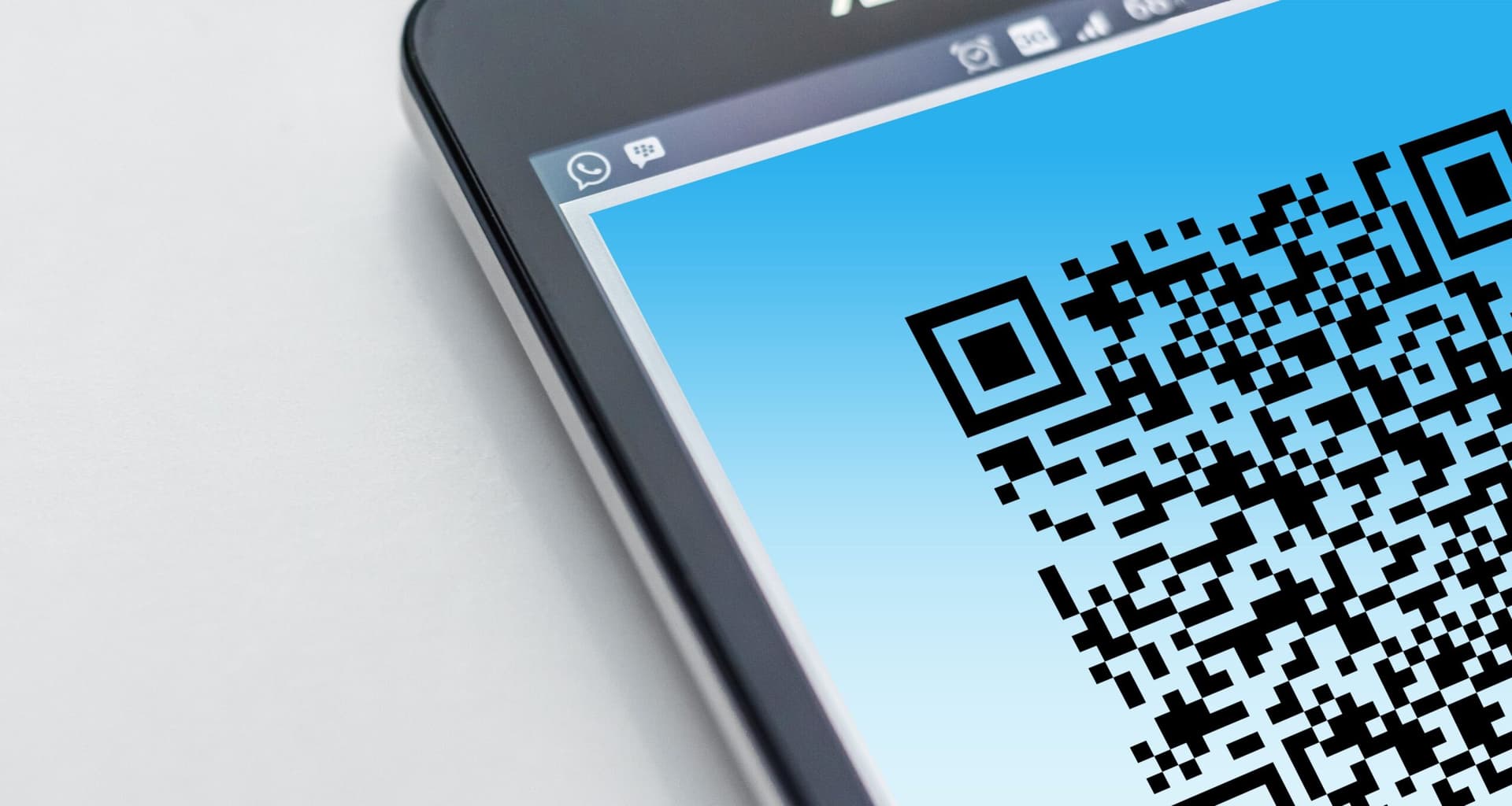
QR codes are convenient because they hide a web address behind something you can scan. That same feature makes them useful to attackers: the destination is not obvious until somebody scans the code, and the page that opens can be a convincing fake login, payment or document-sharing page.
This is commonly called quishing - phishing delivered through a QR code. It can arrive in an email or PDF, appear on a printed notice, or be placed over a legitimate QR code in a public location.
What actually happens in a QR-code phishing attack
The QR code itself is not the dangerous part. The risk is the destination it points to. An attacker may send someone to a page designed to capture Microsoft 365 credentials, payment-card details or other sensitive information. In other cases, the page may encourage the user to install an application or approve an action they did not intend.
QR codes can also move the user from a managed work computer onto a phone. That matters because the phone may not have the same browser controls, endpoint protection or business security policies as the managed device.
Common warning signs
- The QR code arrived unexpectedly and creates urgency around a password, invoice, delivery or account problem.
- The page asks you to sign in even though you did not deliberately navigate to that service.
- The domain shown by the phone does not exactly match the organisation the page claims to represent.
- A physical QR code looks like a sticker has been placed over the original.
- The page asks for payment information or an MFA approval when that action does not make sense in context.
If an email says Microsoft 365, your bank, a courier or another service needs attention, the safer route is to open the real site or application yourself rather than using the QR code supplied in the message.
MFA helps, but the method matters
Traditional MFA is still valuable, but some phishing attacks are designed to capture credentials and authenticated sessions after the user completes an MFA challenge. Phishing-resistant authentication such as suitable passkeys or security keys provides stronger protection because the authentication is tied to the legitimate service.
We cover that in more detail in our guide to MFA, passkeys and Conditional Access.
What businesses can do
The control is partly technical and partly behavioural. Staff need to know that QR codes should be treated like links, not like trusted documents. Email and endpoint security should be configured to inspect suspicious content where the platform supports it, and identity controls should limit what happens if credentials are captured.
- Brief staff that QR codes in email, PDFs and public locations can be phishing links.
- Require MFA and move higher-risk users toward phishing-resistant authentication.
- Use managed devices and browsers for business access where practical.
- Keep email, endpoint and web protection current.
- Make suspicious-message reporting easy so people ask before entering credentials.
If somebody already scanned one
Scanning a code alone does not automatically mean an account has been compromised. The response depends on what happened next.
If the person entered business credentials, approved an unexpected MFA request, installed software or entered payment information, contact IT immediately. The response may include resetting credentials, revoking sessions, reviewing recent sign-ins and mailbox activity, checking the device, and contacting the bank or card provider where payment information was involved.
For NZ organisations, cyber incidents can be reported to the National Cyber Security Centre.
If you want a quick check of the broader controls around identity, devices, email and recovery, use our free IT Security Self-Check. For a deeper review, see our managed cyber-security approach or book an IT Fit Check.