
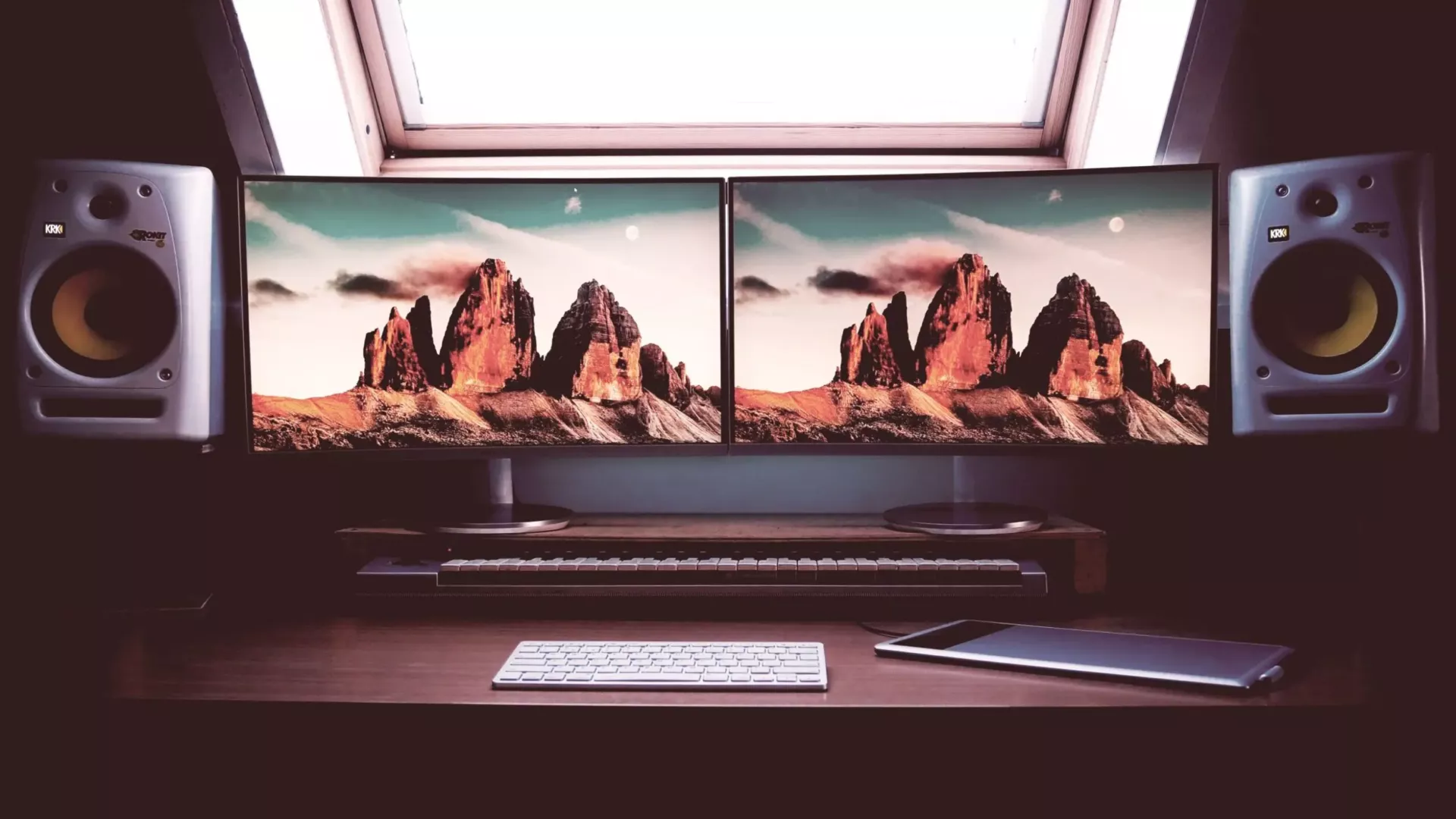
Two Monitors at Work: A Simple Setup That Can Make Daily Work Easier
Two screens are useful when the job regularly involves comparing information, working from one document into another, or keeping communication visible while the main task stays open.
The benefit comes from reducing window switching, not from simply putting more glass on the desk.
Put the main task directly in front of you
Use the primary screen for the application that gets most attention and place the second display beside it at a similar height. Avoid a permanent neck turn just to read email.
Match resolution and scaling where practical
Very different screen sizes or scaling settings can make windows jump awkwardly between displays. Similar monitors are easier to work with, although they are not essential.
Use a proper dock for laptops
A business dock can simplify power, monitors, network and peripherals into one connection. Standardising docks and monitors also makes hot desks and replacement easier.
Use Windows snapping instead of manually arranging everything
Windows 11 can snap applications into useful layouts across one or more screens. A consistent arrangement is often more productive than constantly resizing windows.
More screens are not always better
Some roles are better served by one good large display or an ultrawide screen. Choose the setup around the work rather than assuming everybody needs the same desk.
If performance is poor even with a sensible workspace, the problem may be the device rather than the monitors. See when a business PC is genuinely due for replacement.